There are 2 logs support will need to troubleshoot, the event log and the utility log. Both can be downloaded from the web interface that runs on the core.
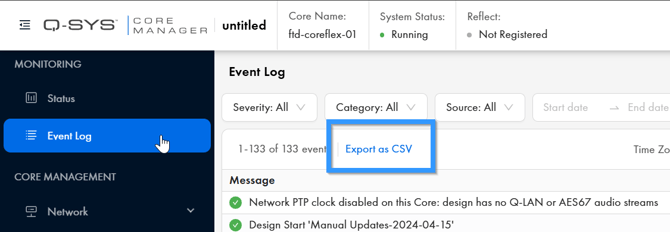
Connect to the core, and then click on the ‘Event log’ link on the left side. Then click the ‘Export as CSV’ link to download a copy of the events.
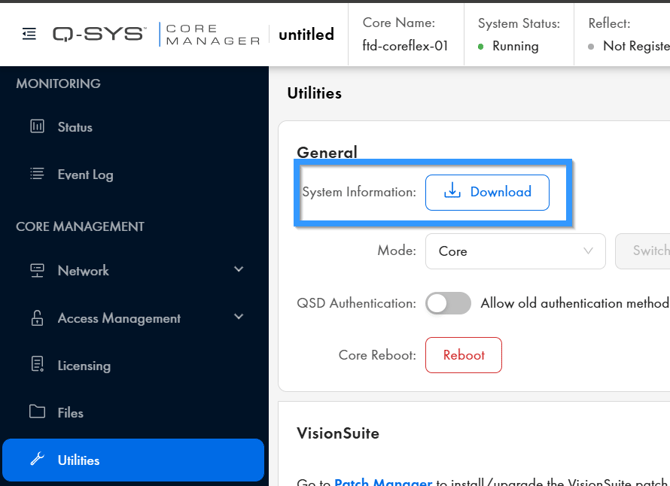
Next we will need the System Information logs. Click on the ‘Utilities’ link on the lefthand menu. Then click the ‘Download’ button next to System Information.